Deskmode Pro Suite – Customize & Secure Your WordPress Admin
A WordPress admin plugin to Customize and secure your WordPress dashboard
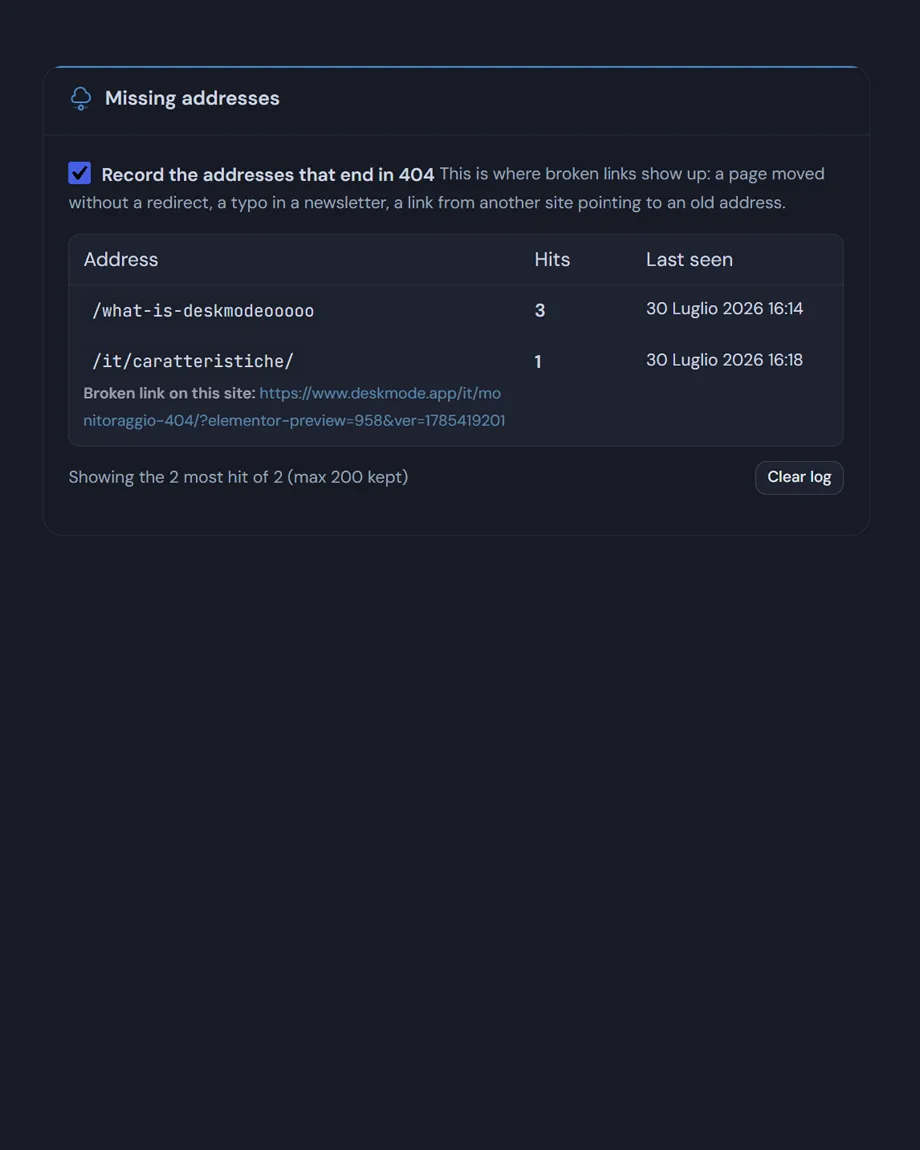
The log of missing addresses
How works WordPress 404 monitor
Every request that ends in a 404 is counted. The log doesn't list individual visits but addresses, each with a hit count, the last time it was requested and the page the visitor came from.
- The internal referrer is the valuable one: when the visitor came from your own site, the row flags it as a broken link to fix rather than outside traffic.
- The table shows the twenty-five most-hit addresses, ordered by hits.
- The log keeps at most two hundred addresses. When it fills up it drops the least recently seen, not the least frequent: an old broken link matters less than one losing visitors right now. Without that ceiling, bots trying random addresses would blow it up.
- It can be cleared from the page, with a confirmation step.
- The log and the custom page are independent — you can keep recording while leaving the 404 to your theme.
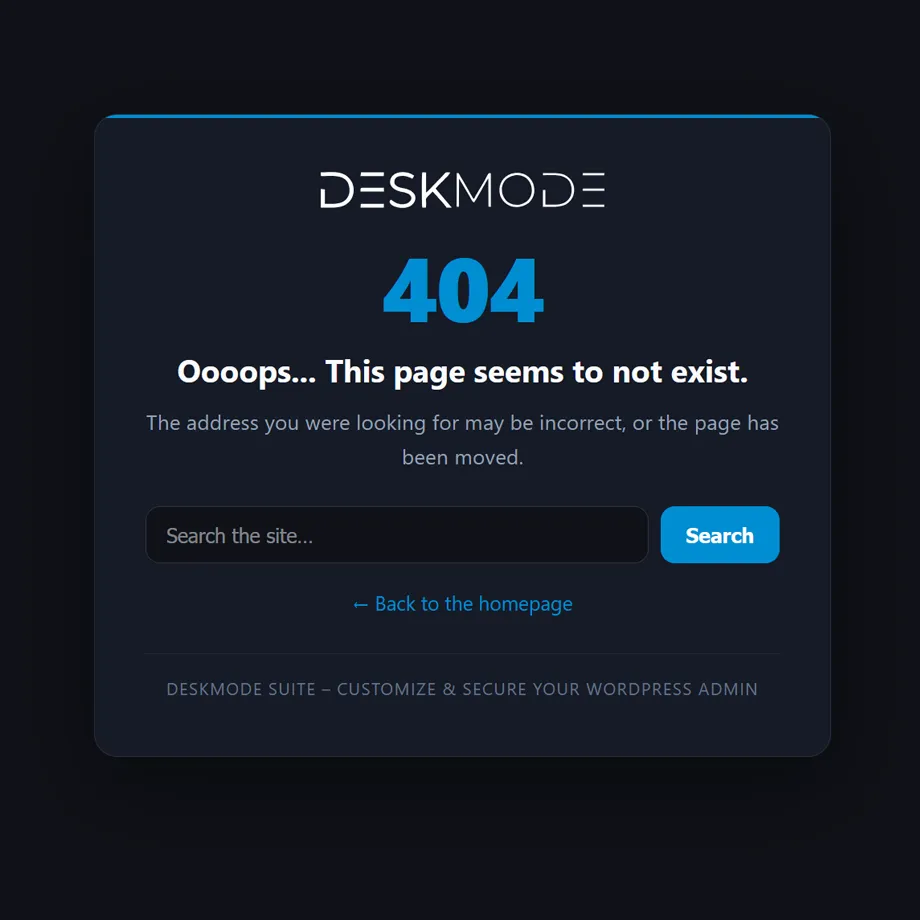
The custom page
- Your own heading and message, with line breaks kept and basic HTML allowed
- A logo picked from the media library, a search box and a link back to the homepage, each switchable on its own.
- It takes the accent colour from your dashboard theme, so it stays consistent without a second place to configure.
- It really answers with HTTP status 404 and
noindex, follow, so search engines drop the missing address instead of indexing a duplicate.- Robots, feeds and trackbacks are skipped, and the module steps in late in the cycle, after the theme and other plugins have made their choices.
- The texts are registered with Polylang and WPML when either is present.
The preview is also a diagnosis
The preview button opens a non-existent address in a new tab, so it genuinely goes through the 404 path. The response is sent with status 200 on purpose: many hosts replace the body of any 404 response (nginx with proxy_intercept_errors, Apache with ErrorDocument), and comparing the two tells you immediately which side the problem is on.
If the WordPress 404 monitor preview shows a server error instead of your page: the 404 is being answered by your host or CDN before WordPress runs, and no plugin can change that. Messages like "404, the file you requested does not exist" don't come from WordPress — look for an ErrorDocument rule in .htaccess, or a custom error page in your hosting panel.
The way out: define('ADMIN3WEBBLUE_DISABLE_404', true); in wp-config.php switches the module off from outside the dashboard.